A Youtube Crawling Toolkit
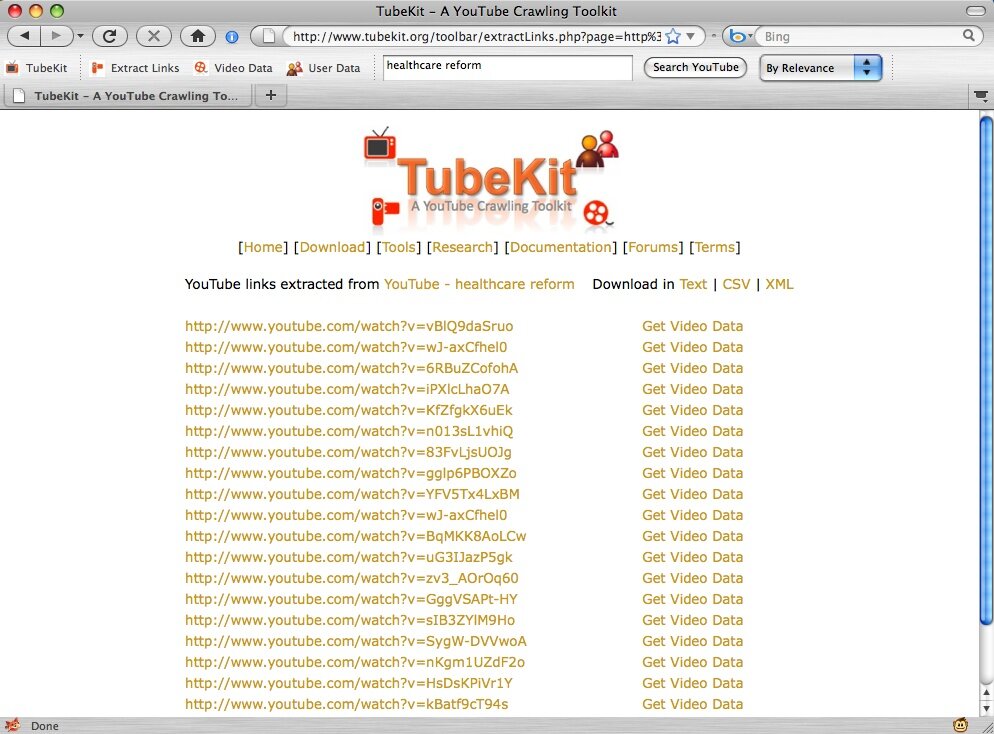
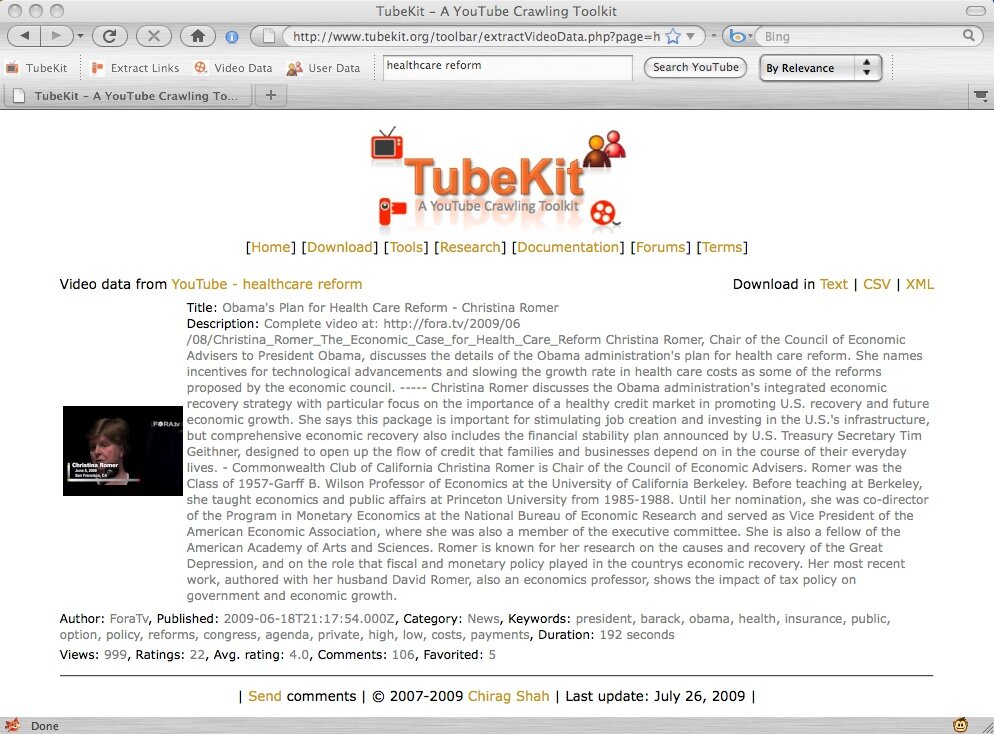
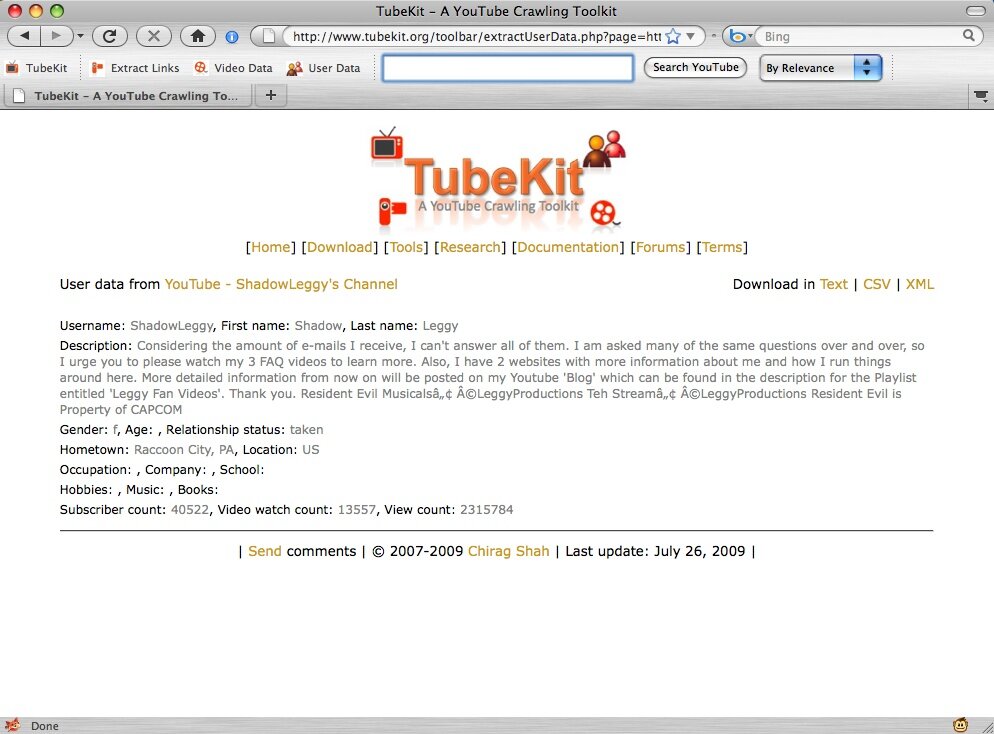
The TubeKit Toolbar is a Firefox extension, allowing one to collect a variety of structured data from YouTube with just a click. With the toolbar, you can (1) extract YouTube video links from any webpage, (2) extract a YouTube video's data, (3) extract a YouTube user's profile data, and (4) search in YouTube with different criteria. More details of the toolbar usage are given below, after the download instructions. The toolbar is included in any standard distribution of TubeKit Beta 4 or later.
TubeKit Toolbar by Chirag Shah is licensed under a Creative Commons Attribution-Noncommercial-Share Alike 3.0 United States License. Click here to read more about the terms of use.
Fill in the details below to download the TubeKit Toolbar. The download will not start if the form is incomplete. We WILL NOT share your information without your permission. Your email will only be used to inform you about the latest developments and releases of TubeKit and you can easily opt out when you want.
If your download starts right, Firefox should ask you about installing the toolbar. Just follow the instructions. If that doesn't happen, find your downloaded copy of the toolbar. In order to install the toolbar, simply drag and drop the .xpi file that you download after submitting the above form to Firefox. Once installed, you will have to restart Firefox.
The toolbar should look something like this: 
Here is the explanation of various toolbar buttons.